The code in the provided GitHub Gist demonstrates how to extend Jetpack’s XML sitemap functionality to include all public custom post types (CPTs), including those registered via Advanced Custom Fields (ACF), without relying on the active theme. This approach offers several advantages:
✅ Advantages of Using a Theme-Independent MU Plugin
Decouples Sitemap Logic from Theme: By placing the code in a must-use (MU) plugin, the sitemap customization remains active regardless of theme changes, ensuring consistent sitemap behavior across theme updates or switches.
Automatic Inclusion of All Public CPTs: The get_dynamic_sitemap_post_types() function dynamically retrieves all public post types, including those registered by plugins like ACF, ensuring they are automatically added to the sitemap without manual updates.
Excludes Non-Relevant Post Types: The code filters out post types such as ‘attachment’, ‘revision’, and ‘nav_menu_item’, which are typically not needed in sitemaps, ensuring a cleaner and more relevant sitemap.
Persistent Across Plugin Updates: Since the customization is handled in an MU plugin, it remains unaffected by updates to Jetpack or other plugins, providing stability and reducing the risk of losing customizations.
Centralized Management: Managing sitemap customizations in an MU plugin allows for easier maintenance and troubleshooting, as all related code is consolidated in one location.
This method leverages Jetpack’s jetpack_sitemap_post_types filter to modify the list of post types included in the sitemap, aligning with best practices for extending Jetpack’s functionality. citeturn0search0
If you need assistance integrating this approach into your WordPress site or have further questions, feel free to ask.
This file contains hidden or bidirectional Unicode text that may be interpreted or compiled differently than what appears below. To review, open the file in an editor that reveals hidden Unicode characters. Learn more about bidirectional Unicode characters
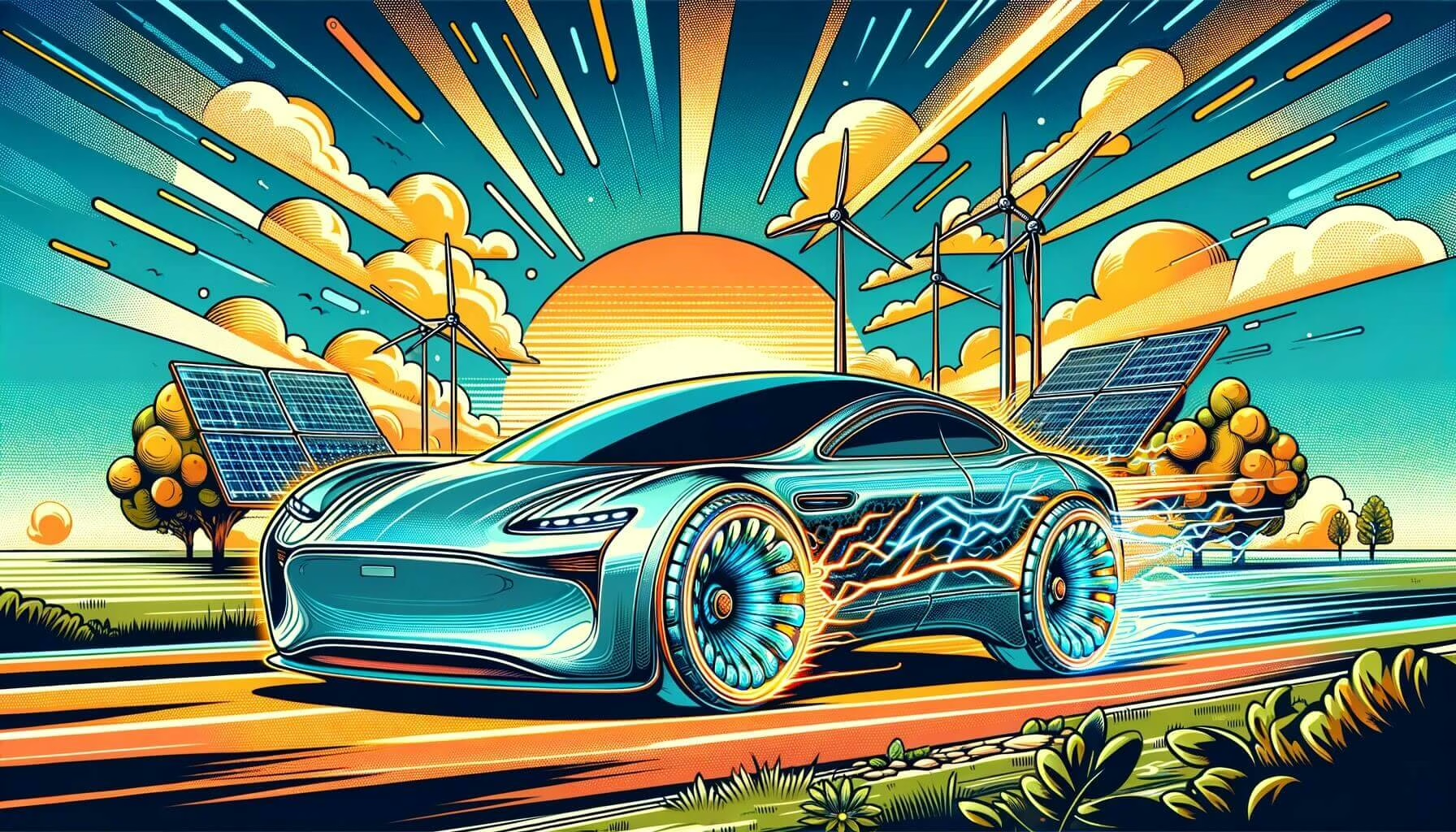
Tesla’s 2018 Model 3 Long Range Dual Motor is here to prove that you can have it all: exhilarating performance, remarkable range, and the peace of mind of all-wheel drive—all in a sleek, futuristic package. Designed to bring top-tier electric driving to the everyday car enthusiast, the Long Range Dual Motor variant has quickly become the model that delivers on every EV promise, from sustainability to performance.
Dual Motors for Dual Benefits
Tesla’s dual-motor technology is all about balance. In the Model 3, this setup features two electric motors—one for the front wheels and one for the rear. This all-wheel-drive system provides unmatched traction, especially in challenging road conditions like rain, snow, or gravel. But it’s not just about safety; the dual-motor design is also about driving pleasure. The two motors work together to deliver precise torque distribution, making cornering smooth and acceleration breathtakingly quick.
Extended Range and Supercharger Access: The Open Road Awaits
One of the most compelling aspects of the 2018 Model 3 Long Range Dual Motor is its incredible range. With over 310 miles on a single charge, this Model 3 pushes the boundaries of what an EV can do on the open road. Tesla’s extensive Supercharger network complements this by allowing drivers to top up quickly and hit the road again with minimal downtime. Whether it’s a weekend trip to the coast or a daily commute, the Model 3 Long Range ensures you’re never far from your next adventure.
Speed Meets Efficiency
The 2018 Long Range Dual Motor Model 3 isn’t just about distance; it’s also about getting there quickly. Thanks to the dual motors and optimized aerodynamics, this model can sprint from 0 to 60 mph in around 4.5 seconds, delivering the type of performance you’d expect from a luxury sports car. But unlike traditional sports cars, the Model 3 achieves this without a single drop of gasoline, redefining the meaning of sustainable performance.
The Future of Driving: Autopilot and Over-the-Air Updates
The Long Range Dual Motor version also comes with Tesla’s Enhanced Autopilot option. While not fully autonomous, this feature allows the car to steer, accelerate, and brake automatically within its lane. The constant over-the-air updates Tesla is known for mean your Model 3 is always getting better, with new features and optimizations rolled out directly to your vehicle as the technology evolves.
Sustainable, Premium, and Accessible
The 2018 Model 3 Long Range Dual Motor has managed to capture the perfect balance: a sustainable, premium electric vehicle that brings top performance within reach of a broader audience. It’s sleek, fast, and packed with tech, making it a fantastic choice for those looking to be part of the EV future without sacrificing power, range, or design.
Final Thoughts
Tesla’s 2018 Model 3 Long Range Dual Motor is more than just a car; it’s a statement on the future of mobility. With its advanced range, dual-motor capabilities, and Tesla’s signature performance and design, this Model 3 is the choice for drivers who want to go further, faster, and in style—all while treading lightly on the planet. The future of driving? It’s here, and it’s the 2018 Model 3 Long Range Dual Motor.